
Muchos prompts de Seedance 2.0 fallan por una razón bastante predecible:
suenan creativos, pero no dan suficiente dirección.
Los equipos suelen escribir algo como esto:
premium ad, cinematic, beautiful lighting, viral product video
El problema no es que esas palabras estén mal. El problema es que no le dicen a Seedance qué debería ver realmente la persona que mira el video.
Esta guía reúne 20 prompts prácticos de Seedance 2.0 que puedes adaptar a flujos de trabajo reales. El objetivo es conseguir mejores primeros borradores, no escribir prompts más “bonitos”.
Convierte estos prompts en borradores reales
Usa Seedance para concepting rápido, flujos centrados en imagen y variantes de video para marketing.
Una fórmula simple que funciona
Antes de ver los ejemplos, usa esta estructura:
- Sujeto: qué aparece en pantalla.
- Entorno: dónde sucede la escena.
- Acción: qué se mueve o cambia.
- Cámara: cómo se ve la escena.
- Intención: qué debe comunicar el video.
Plantilla:
Create a short video showing
[subject]in[setting]. The main action is[action]. Use[camera direction]with[lighting / tone]. The goal is to make the viewer[reaction / outcome].
Si todavía estás aprendiendo el flujo completo, empieza también aquí:
Cómo elegir el tipo de prompt correcto
Antes de copiar uno de los ejemplos, decide qué trabajo debe hacer realmente el video.
| Objetivo | Mejor enfoque de prompt | Mejor tipo de entrada |
|---|---|---|
| Explorar un concepto nuevo | Sujeto claro + escena + una acción | Text-to-video |
| Animar una imagen ya aprobada | Mantener consistencia + añadir movimiento controlado | Image-to-video |
| Crear un hero para landing page | Composición simple + punto focal legible | Texto o imagen |
| Hacer un hook para paid social | Acción más rápida + producto o reacción más claros | Primero text-to-video |
| Reutilizar visuales de ecommerce | Estabilidad + packaging legible + movimiento sutil | Image-to-video |
Ejemplos de prompts de Seedance 2.0 para text-to-video
1. Teaser de lanzamiento de producto
Create a short launch teaser for a matte black wireless speaker on a dark stone table. Start with a macro shot of the grille, then use a slow push-in as soft sunrise light moves across the product. Keep the speaker centered and premium. The goal is to make the launch feel modern and desirable for a landing page hero.
2. Clip hero para homepage SaaS
Create a short product hero video for an AI analytics dashboard on a laptop screen in a bright modern office. Animate the interface with clean motion and a subtle push-in camera move. Keep the dashboard legible and product-focused. The goal is to make the software feel fast, useful, and credible.
3. Concepto de campaña de moda
Create a short fashion campaign video showing a model walking through a minimal concrete hallway with dramatic side lighting. Use a smooth tracking shot and slow-motion motion feel. Keep the styling editorial and polished. The goal is to feel premium and brand-forward.
4. Video promocional de comida
Create a short food promo showing a warm croissant being broken open on a wooden cafe table at morning light. Capture visible steam, crumbs, and a slight top-down camera move. The goal is to make the pastry feel fresh and indulgent for social media promotion.
5. Clip social para lanzamiento de app
Create a short social launch video for a meditation app. Show a smartphone interface appearing over a calm sunrise gradient background, with slow floating motion and clean UI transitions. The goal is to make the app feel calming, modern, and easy to start using.
Referencia visual para el ritmo text-to-video
Este clip sirve como referencia visual para entender el ritmo y la presentación. Es un recurso representativo del sitio, no una salida garantizada de los prompts exactos de esta página.
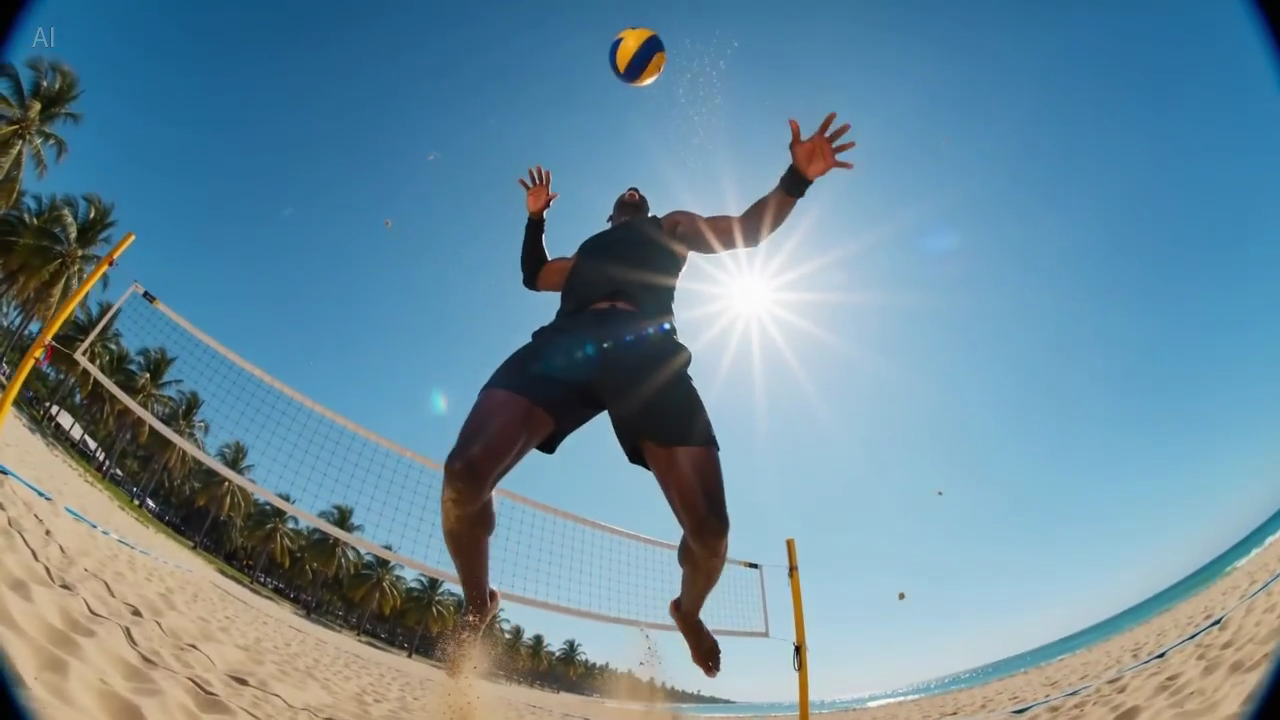
Leyenda: un fotograma real de la librería de muestras del sitio, útil para evaluar cuánta información cabe en un primer frame legible.
Prompts de Seedance 2.0 para image-to-video
Estos ejemplos funcionan mejor cuando ya tienes una imagen base y quieres mantener la composición.
6. Animación de imagen de producto ecommerce
Animate this premium skincare serum image into a short ecommerce ad. Keep the bottle shape and label stable. Add gentle water droplets, soft reflections, and a slow dolly-in. Maintain a clean white vanity setting. The goal is to feel premium and gift-worthy for paid social.
7. Visual para página de producto gadget
Animate this compact coffee grinder image into a short product detail page video. Keep the grinder centered and recognizable. Add beans pouring into the top with a slow dolly-out as the handle turns. The goal is to make the product feel functional and premium.
8. Imagen fija para campaña de bebida
Animate this canned sparkling drink image into a bright summer ad. Keep the can design stable. Add condensation, citrus slices dropping into frame, and a slight handheld camera movement. The goal is to feel refreshing and energetic for paid social.
9. Animación beauty de primer plano
Animate this lipstick product photo into a luxury beauty clip. Keep the packaging shape and logo sharp. Add a subtle rotation, warm reflective highlights, and a smooth camera push-in. The goal is to make the product feel elegant and premium for a landing page section.
10. Imagen lifestyle de mobiliario
Animate this chair lifestyle image into a short home decor video. Preserve the room composition and chair design. Add soft curtain movement, natural light shift, and a gentle camera pan. The goal is to make the room feel calm, aspirational, and lived-in.
Referencia visual para movimiento sutil
Esta muestra es útil cuando escribes prompts que necesitan composición estable y movimiento de cámara suave.
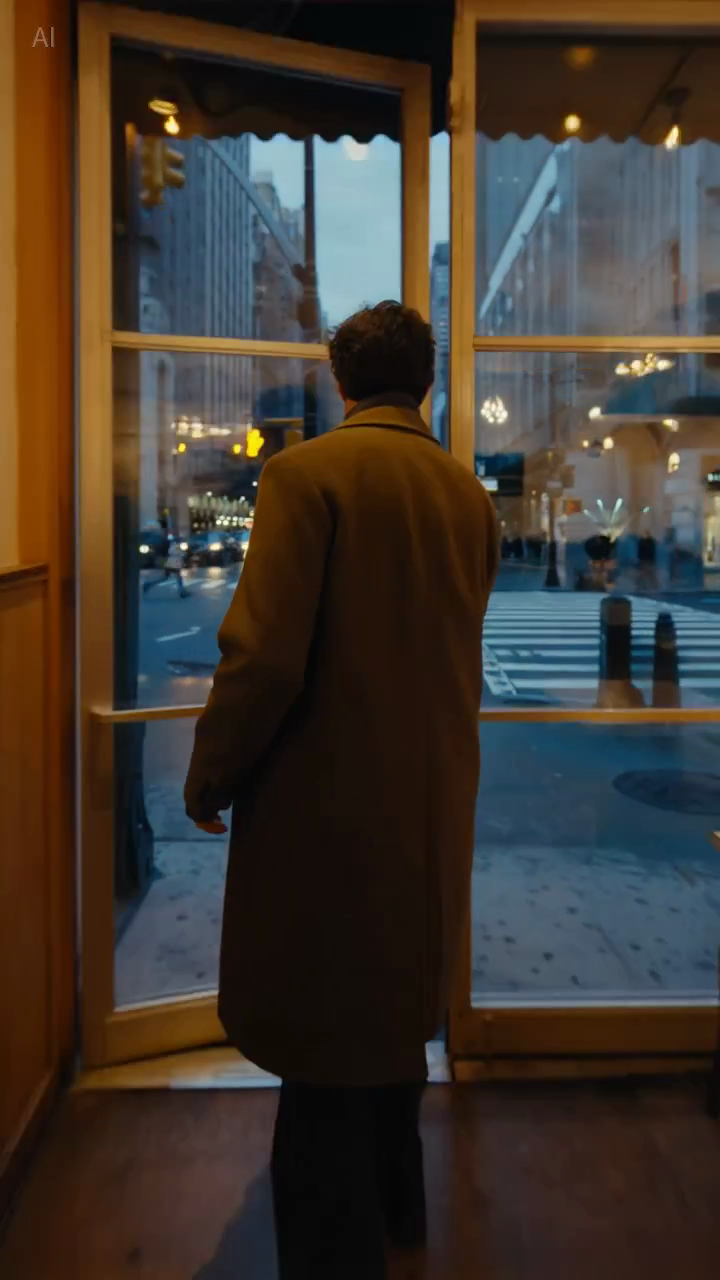
Leyenda: un fotograma real de la librería de muestras, útil para juzgar si la composición se mantiene lo bastante estable para prompts orientados a producto o lifestyle.
Prompts de Seedance 2.0 para equipos de marketing
11. Hook para paid social
Create a short paid social ad for a portable blender in a bright apartment kitchen. Start with fruit dropping into the blender, then cut to a quick blend moment and a positive reaction shot. Use natural handheld framing. The goal is to feel authentic and scroll-stopping.
12. Teaser explicativo de funcionalidad
Create a short feature teaser for an AI writing tool. Show a cluttered document transforming into a clean polished draft with smooth interface motion and a slight zoom-in. Keep the message simple and product-focused. The goal is to show time savings in the first three seconds.
13. Promo de ecommerce
Create a short sale promo for a premium candle brand. Show the candle on a warm wooden shelf with soft evening light, subtle smoke movement, and elegant camera motion. Add a final composition that leaves room for promotional text. The goal is to feel cozy and giftable.
14. Clip de beneficio de producto
Create a short product benefit video for a water bottle with a built-in filter. Show the bottle being filled outdoors, a clean close-up of the filter mechanism, and a subtle camera move that keeps the bottle central. The goal is to make the product feel practical and trustworthy.
15. Visual para campaña de email
Create a short email header video for a spring skincare launch. Show a serum bottle surrounded by soft flowers and reflected morning light, with minimal movement and elegant pacing. The goal is to create a premium seasonal visual that supports the launch message.
Prompts de Seedance 2.0 para landing pages y páginas SEO
16. Hero loop para landing page
Create a short looping hero video for an AI video generator landing page. Show abstract motion frames evolving into polished video scenes, with clean transitions and soft light gradients. Keep the composition simple so text overlay remains readable. The goal is to make the product feel fast and creative.
17. Clip demo para página tutorial
Create a short tutorial-style demo video showing a prompt being turned into a finished marketing video. Use a clean product-focused sequence with a slight zoom-in and minimal background distraction. The goal is to make the workflow feel understandable and fast.
18. Visual para página comparativa
Create a short comparison-page support video showing a premium product concept with stable composition, realistic lighting, and controlled camera movement. The goal is to illustrate reliable draft quality for evaluation by marketing teams.
Prompts de Seedance 2.0 para testing creativo
19. Video UGC estilo creador
Create a short creator-style product demo in a bright home kitchen. Show a person unboxing a compact juicer, using it, and reacting positively to the first sip. Use handheld framing and quick natural cuts. The goal is to feel authentic and native to short-form social.
20. Concepto de marca premium
Create a short luxury brand film showing a gold watch on black velvet under directional studio lighting. Use a slow orbiting camera move and refined reflections across the metal surface. Keep the scene minimal and premium. The goal is to make the product feel exclusive and collectible.
Por qué algunos prompts funcionan mejor
La diferencia normalmente no es “más creatividad”, sino mejor control.
Ejemplo A: paid social
Versión débil:
blender ad, viral, high energy, beautiful kitchen
Versión mejor:
Create a short paid social ad for a portable blender in a bright apartment kitchen. Start with fruit dropping into the blender, then cut to a quick blend moment and a positive reaction shot. Use natural handheld framing. The goal is to feel authentic and scroll-stopping.
Por qué la segunda versión es más fuerte:
- define la acción principal;
- aclara el foco visual;
- da un rol claro a la cámara;
- especifica la intención del canal.
Ejemplo B: hero de landing page
Versión débil:
cinematic AI video homepage animation
Versión mejor:
Create a short looping hero video for an AI video generator landing page. Show abstract motion frames evolving into polished video scenes, with clean transitions and soft light gradients. Keep the composition simple so text overlay remains readable. The goal is to make the product feel fast and creative.
Por qué esta versión es mejor:
- considera el texto superpuesto;
- evita un encuadre demasiado complejo;
- define el trabajo visual real del recurso.
Cómo adaptar estos prompts a tu flujo de trabajo
Los ejemplos de arriba son puntos de partida. Cambia:
- el sujeto;
- el entorno;
- el movimiento de cámara;
- el canal de destino;
- el objetivo comercial.
Lo que debería mantenerse igual es la lógica del prompt.
Un prompt útil responde:
- qué está pasando;
- cómo lo ve la audiencia;
- por qué existe el video.
Qué evitar en los prompts de Seedance
Demasiados adjetivos de estilo
Palabras como cinematic o beautiful pueden ayudar, pero no sustituyen la descripción de la escena.
Demasiadas ideas en un solo prompt
Si pides tres escenas, dos emociones y cuatro beneficios de producto en una sola generación, el resultado suele volverse confuso.
Sin instrucciones sobre estabilidad
Esto importa especialmente en image-to-video. Si la forma del producto, el packaging o los elementos de marca deben mantenerse consistentes, dilo de forma explícita.
Sin contexto de destino
Un hero loop, un hook publicitario y un visual tutorial no deberían usar exactamente el mismo prompt. El destino cambia el ritmo y el encuadre.
Checklist rápida
Antes de generar, pregúntate:
- ¿el sujeto principal es obvio?
- ¿el entorno se entiende con claridad?
- ¿hay una acción principal?
- ¿la dirección de cámara es simple?
- ¿el objetivo del resultado es explícito?
Si alguna respuesta es no, corrige el prompt antes de seguir generando.
Líneas de restricción reutilizables
Estas instrucciones cortas suelen ser útiles cuando necesitas más control:
- Keep the product centered and clearly readable.
- Preserve the packaging shape and label.
- Limit the scene to one primary movement.
- Leave negative space for headline text.
- Keep the background minimal and non-distracting.
No son frases mágicas, pero suelen mejorar la utilidad comercial porque reducen la ambigüedad.
Conclusión
Los mejores prompts de Seedance 2.0 no son los más poéticos. Son los más útiles.
Si tu prompt define con claridad el sujeto, el entorno, la acción, la cámara y el objetivo, Seedance tiene muchas más posibilidades de producir un borrador que valga la pena mejorar.
Si quieres poner estos ejemplos a trabajar de inmediato, ve directo al flujo correspondiente:
Qué probaríamos después
Si quieres mejorar la calidad de los prompts de forma medible, prueba estas variables de una en una:
- Añadir o quitar el contexto de destino, como landing page, paid social o tutorial.
- Cambiar solo la instrucción de cámara manteniendo fijo el sujeto y el objetivo.
- Comparar prompts con una sola acción contra prompts con varias acciones.
Esto suele enseñar más que reescribir todo el prompt desde cero en cada ronda.